In today’s digital landscape, browser fingerprinting is more sophisticated than ever. Whether you’re managing multiple e-commerce stores, running ads across regions, or handling dozens of social accounts — using a regular browser simply doesn’t cut it. That’s where anti-detection browsers come in.
🔍 What Is an Anti-Detection Browser?
An anti-detection browser is a privacy-focused tool built on mainstream engines (like Chrome or Firefox) that simulates unique browsing environments by customizing:
- Digital fingerprints (canvas, WebGL, audio, etc.)
- Browser signatures (user agent, timezone, screen resolution)
- Network configurations (proxies, VPNs)
💡 Industry Insight: According to Gartner, the global anti-detection browser market is expected to hit $1.2 billion by 2025.
🏆 2025’s Top 3 Anti-Detection Browsers
1. MostLogin — The Rising Star
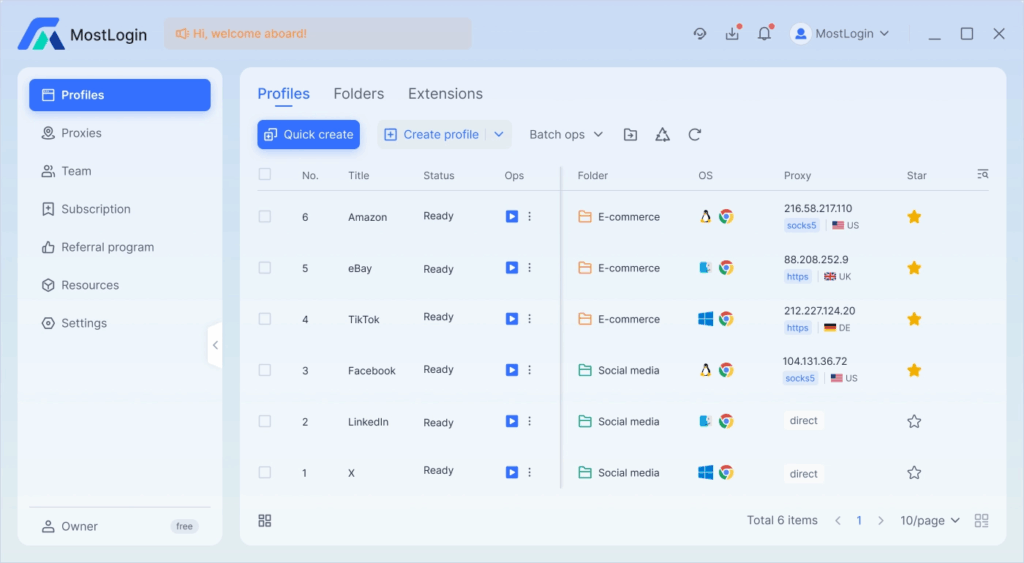
🌐 Website: https://www.mostlogin.com
🧠 Best For: Cross-border e-commerce teams, social media managers
✅ Key Features
- Military-grade fingerprint randomization (200+ parameters)
- Native support for Windows/macOS/Linux
- Team collaboration with role-based permissions
🎯 Use Case
Manage 500+ Amazon seller accounts with complete isolation — without triggering FBA suspensions.
🔥 Why it stands out: MostLogin is completely free, with optional cloud mobile functionality priced below market rates.
How to Set Up a MostLogin Proxy With QuarkIP
2. BitBrowser — The Veteran Choice
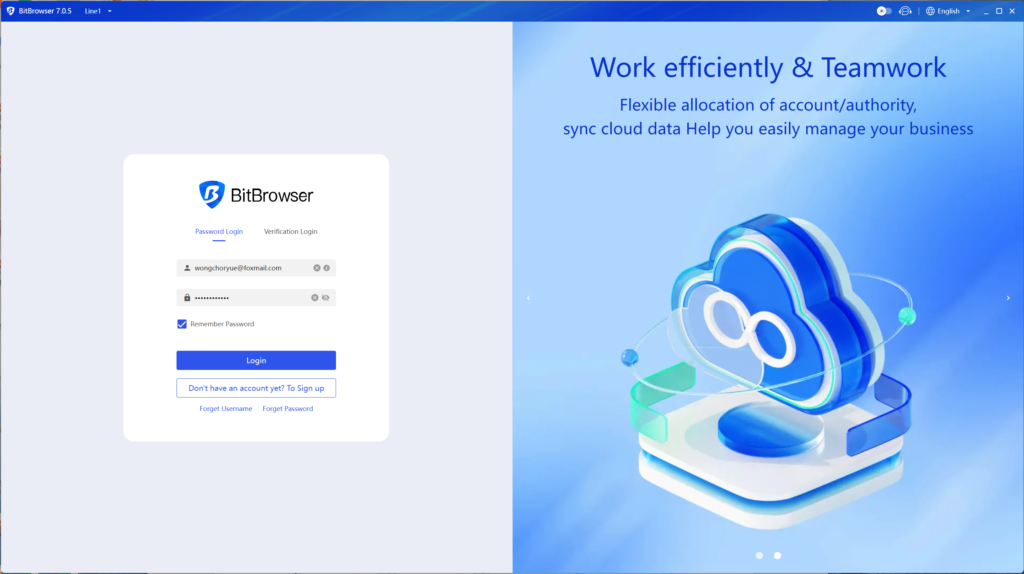
🌐 Website: https://www.bitbrowser.net
🧠 Best For: Affiliate marketers, digital marketing studios
🔥 Highlights
- Free forever plan with 10 browser profiles
- Chrome/Firefox dual engine with real-device emulation
- Built-in RPA automation and API access
Tech Stat: 99.7% success rate in bypassing Facebook and Google audits.
How to Set Up a Bit Proxy With QuarkIP
3. GoLogin — Budget-Friendly Option
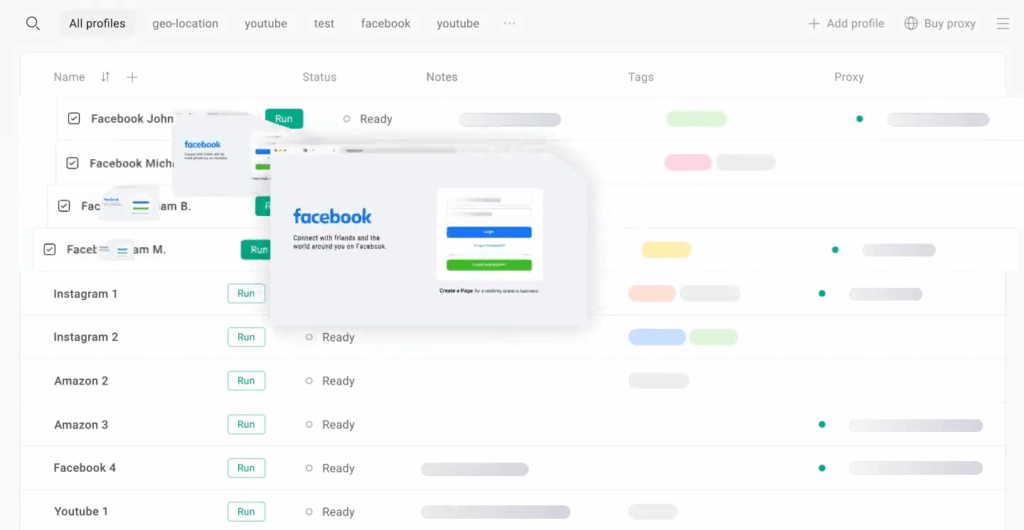
🌐 Website: https://gologin.com
🧠 Best For: Solo freelancers & side hustlers
💰 Pricing
Starts at $24/month with no hidden fees.
🎯 Features
- Core fingerprint protection
- Mobile device simulation for ad verification or social testing
⚖️ How to Choose? 3 Must-Have Criteria
- Fingerprint Consistency
Your browser must generate stable but non-unique IDs to avoid tracking. - Device Differentiation
Each profile should behave like a separate real device — from resolution to language. - Anti-Uniqueness
Avoid “too perfect” setups (e.g., missing entropy) which raise red flags in audits.
💡 Pro Tip: MostLogin’s AI-powered fingerprint engine scores 98.4% authenticity on tools like PixelScan.
🚀 Why MostLogin Stands Out
- 1-Click Profile Setup (no complex manual configs)
- Built-in Proxy Manager (3,000+ ISP IPs integrated)
- Usage Analytics for real-time risk alerts
And again — it’s 100% free. The only paid feature, cloud mobile, is optional and cheaper than alternatives.
✅ Final Thoughts
Choosing the right anti-detect browser in 2025 means finding a balance between security, scalability, and cost. Whether you’re scaling your e-com empire or managing multiple ad accounts, MostLogin, BitBrowser, and GoLogin each offer distinct advantages.
But for teams and individuals looking for enterprise-grade protection at zero cost, MostLogin is the clear winner.
PARTNER WITH QUARKIP Publish your content on QuarkIP Sponsored articles, guest posts and contextual link placements for proxy, web scraping, AI and developer audiences. Packages from $80 Start an inquiry →