Many Janitor AI users run into errors without understanding what went wrong.
Messages appear suddenly. Conversations stop responding. Pages freeze or reset.
Although these issues feel random, most Janitor AI errors fall into a small number of recurring patterns. Once users recognize those patterns, the errors become easier to interpret—and far less frustrating.
This article breaks down the most common Janitor AI errors and explains what they actually signal behind the scenes.
If you’re new to the platform, start with our full guide:
What Is Janitor AI? How It Works, Use Cases, and Limitations
Error 1: “Janitor AI Is Not Responding”
This is one of the most frequently reported issues.
In most cases, the platform receives a request but fails to return a response in time.
Rather than indicating a permanent failure, this error usually points to temporary overload or upstream delays.
What it means for users:
The system did not fully process the request. It does not mean your account, character, or conversation is broken.
Error 2: Endless Loading or Stuck on “Generating”
Some users notice that Janitor AI appears to work, but responses never complete.
This behavior often happens when request queues build up faster than responses are generated. As a result, the interface waits indefinitely instead of timing out cleanly.
What it means for users:
The system is active, but it cannot finish the task within a reasonable window.
Error 3: Conversation Reset or Lost Context
Another common complaint involves conversations suddenly resetting or losing memory.
This usually occurs when session data fails to persist between requests. Heavy traffic, refreshes, or backend restarts can all interrupt session continuity.
What it means for users:
The system did not retain previous context. The character didn’t “forget” you intentionally—the session simply restarted.
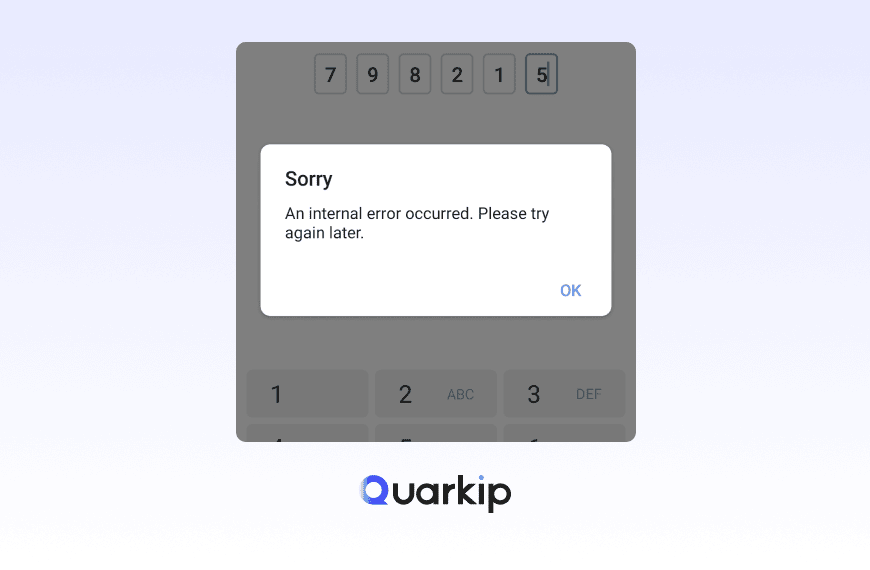
Error 4: “Message Failed” or “Request Failed”
This error appears more explicit, but it still causes confusion.
Typically, it indicates that the request never completed validation or delivery. Network interruptions, payload size limits, or internal filters may trigger it.
What it means for users:
The system rejected or dropped the request before generating a response.
Error 5: Login or Access Issues
Some users experience sudden logouts or failed login attempts.
These issues often relate to authentication token expiration or session mismatches, especially during periods of high activity.
What it means for users:
Your credentials are usually fine. The session layer simply failed to refresh correctly.
Error 6: Characters Stop Responding Mid-Conversation
In some cases, a character works initially and then stops responding later.
This behavior often connects to context length limits or internal moderation triggers. Once the system reaches a threshold, it may silently stop generating outputs.
What it means for users:
The conversation reached a technical boundary, not a personal or account-level restriction.
Why These Errors Appear More Frequently Than Users Expect
Janitor AI operates under fluctuating demand.
During traffic spikes, systems prioritize stability over graceful degradation.
As a result:
- Errors surface more often than polished platforms
- Messages lack detailed explanations
- User-facing feedback stays minimal
Understanding this context helps explain why errors feel vague or repetitive.
What These Errors Usually Do Not Mean
It’s equally important to clarify what most Janitor AI errors do not indicate:
- They usually do not mean your account is banned
- They rarely signal permanent data loss
- They are not personal or user-specific in most cases
Misinterpreting errors often leads to unnecessary worry.
How to Interpret Errors More Accurately
Instead of focusing on the exact wording, users benefit more from identifying the pattern:
- No response → processing delay
- Reset context → session interruption
- Failed message → request rejection
This mental shift reduces confusion and helps users set realistic expectations.
When Errors Suggest Structural Limitations
If the same errors repeat consistently, they may point to platform-level constraints, such as:
- Scalability limits
- Context size caps
- Backend resource balancing
At that point, the issue is less about a single error and more about whether the platform fits the user’s needs.
Final Thoughts: Errors Are Signals, Not Explanations
Janitor AI errors rarely explain themselves clearly.
However, they still act as signals—not random failures.
By understanding what each common error actually represents, users can respond calmly, avoid incorrect assumptions, and decide whether to continue, pause, or explore alternatives.
If Janitor AI stops responding completely, check our troubleshooting guide:
Janitor AI Not Working? 8 Quick Fixes That Actually Work