What Are Geo Restrictions?
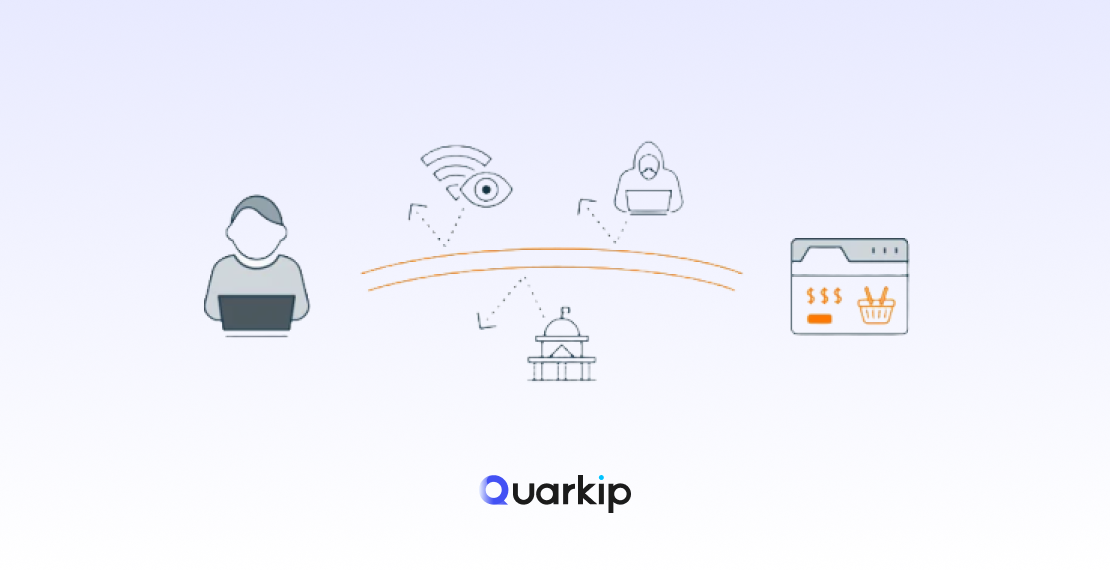
Geo restrictions (also called geo-blocking) are limitations that websites use to control access based on your location.
For example, you might see:
- “This content is not available in your region”
- “Access denied due to location restrictions”
Platforms like streaming sites, e-commerce marketplaces, and social media networks often use geo-blocking to comply with licensing rules, prevent fraud, or enforce regional pricing.
Why Do You Get Blocked When Trying to Bypass Geo Restrictions?
Most users assume changing their IP is enough. Unfortunately, that’s exactly why they get blocked.
Here’s what actually happens behind the scenes:
1. IP Reputation Detection
Websites track whether your IP comes from:
- Data centers
- VPN providers
- Known proxy pools
Low-quality or overused IPs get flagged instantly.
2. Behavioral Analysis
Even if your IP changes, platforms analyze:
- Login patterns
- Device fingerprints
- Session consistency
If something looks unnatural, access gets restricted.
3. Advanced Anti-Bot Systems
Services protected by tools like Cloudflare or Akamai can:
- Detect VPN traffic
- Trigger CAPTCHAs
- Block suspicious requests entirely
Common Methods to Bypass Geo Restrictions
1. VPNs
VPNs are the most popular solution.
Pros:
- Easy to use
- Widely available
Cons:
- Shared IPs → easily flagged
- Poor performance on strict platforms
- High chance of getting blocked
👉 Works for basic browsing, but unreliable for serious use.
2. Free Proxies
Free proxies might seem attractive, but they come with major downsides:
- Slow speed
- Blacklisted IPs
- Security risks
👉 In most cases, they fail immediately on modern websites.
3. Smart DNS
Smart DNS can bypass some content restrictions, especially for streaming.
However:
- It doesn’t hide your IP fully
- It fails on platforms with strict security
The Most Reliable Way: Use High-Quality Residential Proxies
If you want stable, long-term access without getting blocked, residential proxies are the most effective solution.
Why ISP(Static Residential) Proxies Work Better
Unlike VPNs, residential proxies:
- Use real ISP-assigned IP addresses
- Blend in with normal user traffic
- Have much lower detection rates
That’s why they are widely used for:
- Cross-border e-commerce
- Social media management
- Web scraping
- Ad verification
How to Bypass Geo Restrictions Step by Step
Step 1: Choose a Reliable Proxy Provider
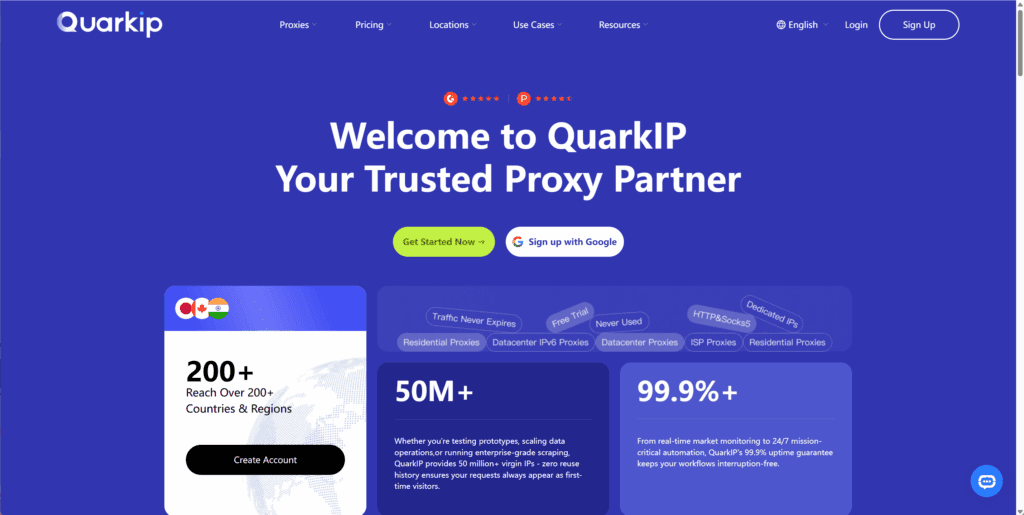
Look for:
- Real residential IPs
- Location targeting (city-level preferred)
- Stable connection
Step 2: Select the Target Location
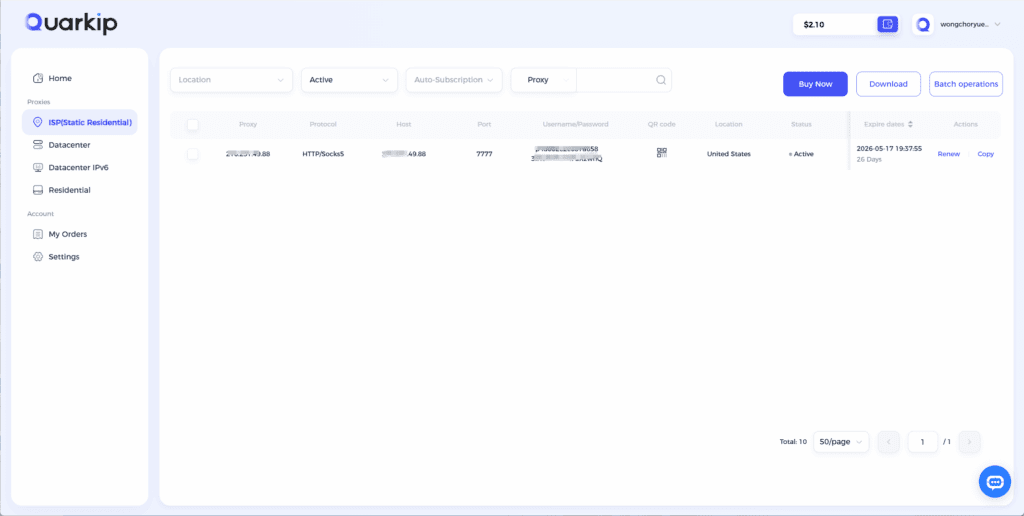
Choose an IP from the country or city you want to access.
Example:
- Access US content → choose a US residential IP
- Access UK services → choose a UK IP
Step 3: Configure Your Proxy
You can integrate proxies with:
- Browsers (via extensions)
- Automation tools
- Anti-detect browsers
Step 4: Maintain Consistent Behavior
To avoid detection:
- Keep sessions consistent
- Avoid frequent IP switching
- Match timezone and browser settings
Why Many Users Still Get Blocked
Even with a proxy, users make mistakes:
- Using data center IPs instead of residential
- Switching IPs too frequently
- Ignoring browser fingerprinting
👉 Geo bypass is no longer just about IP — it’s about overall behavior consistency.
A Smarter Solution: Using QuarkIP for Geo Bypass
If you want a more stable and scalable setup, solutions like QuarkIP are designed specifically for these scenarios.
With the right proxy setup, you can:
- Access geo-restricted content reliably
- Reduce block rates significantly
- Scale operations across multiple regions
More importantly, you can avoid the common pitfalls of low-quality IP pools.
Final
Bypassing geo restrictions is no longer as simple as “changing your IP.”
Websites today use advanced detection systems, which means:
- Basic tools like VPNs often fail
- Free solutions are unreliable
- High-quality residential proxies offer the best results
If your goal is stable, long-term access without getting blocked, choosing the right infrastructure makes all the difference.
PARTNER WITH QUARKIP Publish your content on QuarkIP Sponsored articles, guest posts and contextual link placements for proxy, web scraping, AI and developer audiences. Packages from $80 Start an inquiry →