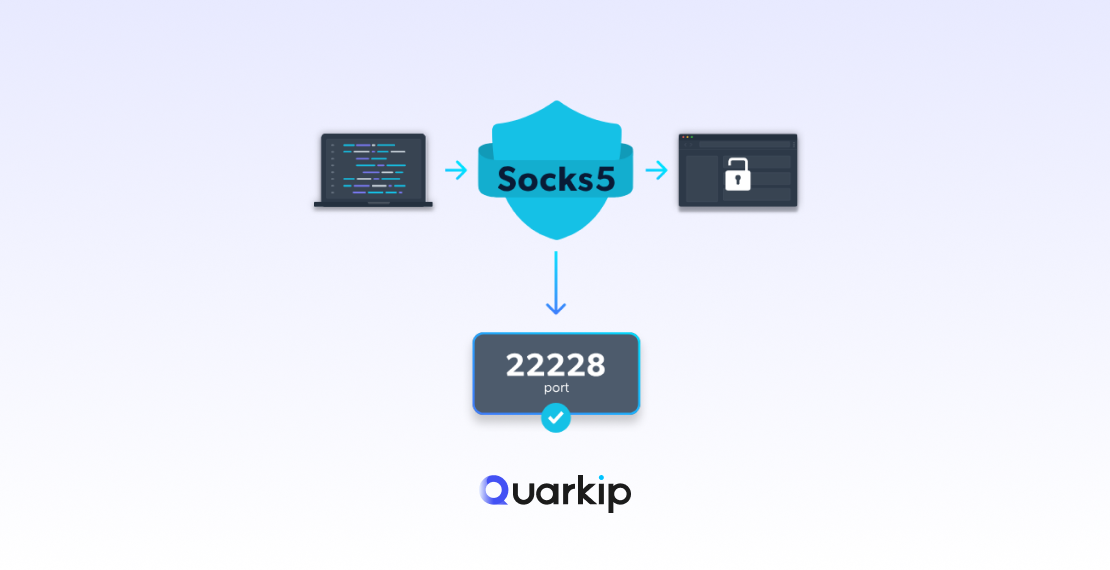
In today’s internet-driven world, privacy and security are top concerns for users worldwide. Whether you’re trying to unblock content, maintain your anonymity, or access region-locked services, a SOCKS5 proxy server can be a powerful tool to help you stay safe online. Unlike standard proxies, SOCKS5 offers enhanced security, performance, and flexibility, making it an ideal solution for users who need a more robust proxy solution.
In this guide, we’ll walk you through everything you need to know about SOCKS5 proxies, including how to set them up, their benefits, and how QuarkIP’s SOCKS5 proxies can enhance your browsing experience.
What is a SOCKS5 Proxy Server?
A SOCKS5 proxy is the latest version of the SOCKS protocol (Socket Secure), designed to route internet traffic through a proxy server. Unlike other proxies, SOCKS5 proxies offer a high degree of anonymity, security, and support for any type of traffic (including HTTP, FTP, and P2P protocols), making them more versatile for various use cases.
Key Features of SOCKS5 Proxies:
- No Protocol Restrictions: SOCKS5 proxies are capable of handling any type of traffic, whether it’s web traffic, torrents, or email protocols.
- Authentication: SOCKS5 proxies can require a username and password for connection, providing an extra layer of security.
- Anonymity: They hide your IP address and mask your traffic, ensuring that websites and services cannot track your real location.
- Improved Speed: SOCKS5 proxies generally offer faster speeds than regular HTTP proxies due to their ability to manage more types of traffic without specific restrictions.
Why Use a SOCKS5 Proxy Server?
1. Enhanced Security
By routing your traffic through a proxy server, SOCKS5 ensures that your data is protected from prying eyes. The protocol does not modify your data, maintaining its integrity, and offers stronger encryption compared to regular proxies, making it a more secure option for sensitive browsing activities.
2. Anonymity and Privacy
Unlike traditional proxies, SOCKS5 proxies do not reveal your real IP address to the websites you visit, ensuring your online activities remain anonymous. For example, if you’re using a SOCKS5 proxy from QuarkIP, websites can only see the IP address provided by the proxy, not your real one.
3. Better for Torrenting and P2P Activities
If you’re into torrenting or other peer-to-peer (P2P) activities, SOCKS5 is highly recommended. Unlike HTTP proxies, SOCKS5 handles P2P traffic efficiently, offering fast speeds and secure connections for downloading and sharing files.
4. Unblock Restricted Content
SOCKS5 proxies allow you to access content that might be restricted or geo-blocked in your region. Whether you want to access streaming services like Netflix, Hulu, or BBC iPlayer, a SOCKS5 proxy can help you bypass these restrictions and enjoy content from anywhere in the world.
How to Set Up a SOCKS5 Proxy Server
Setting up a SOCKS5 proxy is fairly straightforward, and you can use it on a variety of devices, including desktop computers, smartphones, or web browsers. Below, we’ll explain how to configure SOCKS5 on different platforms.
Step 1: Choose a SOCKS5 Proxy Provider
To use a SOCKS5 proxy, you need to select a reliable SOCKS5 proxy provider. QuarkIP offers SOCKS5 proxies that are ideal for users who require fast, secure, and anonymous browsing. Choose a provider that offers a large pool of residential IPs, ensuring that your proxy is undetectable and not likely to be blocked.
Step 2: Get Your SOCKS5 Proxy Details
After signing up with your SOCKS5 proxy provider, you’ll receive the following details:
- IP address of the SOCKS5 server
- Port number (usually 1080 for SOCKS5)
- Username and Password (if authentication is required)
Make sure to keep these details handy for the next step.
Step 3: Configuring SOCKS5 in Your Browser (Chrome/Firefox)
For Google Chrome:
- Open Chrome and go to Settings > Advanced > System > Open your computer’s proxy settings.
- Select LAN Settings, and then check the box that says Use a proxy server.
- In the Address field, enter the SOCKS5 proxy IP address provided by your proxy service.
- Enter the Port number (usually 1080) in the Port field.
- Click OK to save the settings.
For Mozilla Firefox:
- Open Firefox and go to Options > General > Network Settings.
- Choose the Manual Proxy Configuration option.
- In the SOCKS Host field, enter the SOCKS5 proxy IP address.
- Enter the Port number (typically 1080) in the Port field.
- Select SOCKS v5 and check the box for Proxy DNS when using SOCKS v5 if desired.
- Click OK to save the settings.
Step 4: Configuring SOCKS5 in Other Apps (Torrents, VPNs)
For applications like uTorrent or qBittorrent, you can configure the SOCKS5 proxy directly in the software’s proxy settings. Similarly, if you’re using a VPN service that supports SOCKS5, enter your proxy details in the settings for added anonymity and privacy while using the VPN.
Using QuarkIP SOCKS5 Proxies for Secure and Fast Browsing
QuarkIP offers high-quality SOCKS5 residential proxies that are perfect for users who need secure, fast, and anonymous browsing. Here are some key benefits of using QuarkIP SOCKS5 proxies:
1. Large Pool of Residential IPs
Unlike datacenter proxies, residential IPs are harder for websites to detect and block. QuarkIP’s SOCKS5 proxies come from real users, ensuring greater anonymity and untraceable browsing.
2. Unlimited Bandwidth
Enjoy unlimited bandwidth with QuarkIP SOCKS5 proxies, making them perfect for high-demand activities like streaming, torrenting, or data scraping.
3. Global Coverage
With over 220 countries available, you can easily bypass geo-restrictions and access content from anywhere in the world using QuarkIP’s SOCKS5 proxies.
4. Fast Speeds for Streaming and Torrenting
QuarkIP’s SOCKS5 proxies offer high-speed performance, making them ideal for uninterrupted streaming and fast download speeds during torrenting.
Common SOCKS5 Proxy Issues and Troubleshooting
1. Connection Issues
If you’re unable to connect to the proxy, make sure that you’ve entered the correct IP address and port number. Verify your proxy credentials if required.
2. Slow Speeds
Slow speeds can sometimes be caused by a congested proxy server. If you’re using QuarkIP, try switching to a different server or location for better performance.
3. Authentication Problems
Ensure that you’ve correctly entered the username and password provided by your SOCKS5 proxy provider. If authentication fails, contact support for assistance.
Conclusion
Using a SOCKS5 proxy server provides a highly effective solution for secure and anonymous browsing. Whether you want to access restricted content, torrent safely, or protect your privacy online, SOCKS5 proxies are the best choice. QuarkIP’s SOCKS5 proxies offer top-tier security, fast speeds, and a broad pool of IPs to ensure that you can browse the web freely and privately.
Follow our step-by-step guide to easily set up a SOCKS5 proxy and start enjoying safer, faster, and more secure browsing today.
PARTNER WITH QUARKIP Publish your content on QuarkIP Sponsored articles, guest posts and contextual link placements for proxy, web scraping, AI and developer audiences. Packages from $80 Start an inquiry →