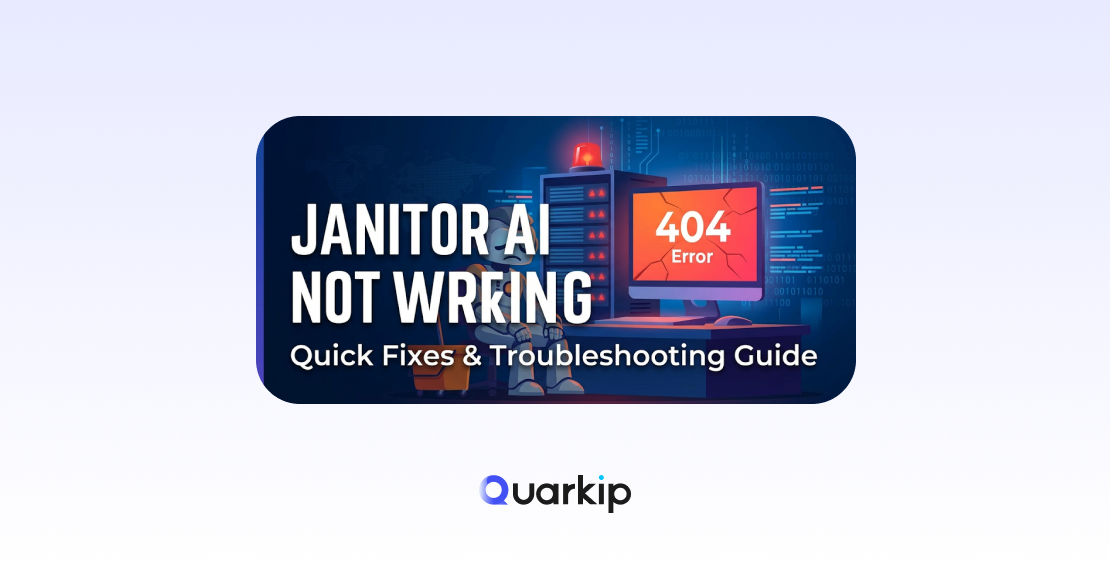
If you’ve recently tried using Janitor AI and found that it suddenly stopped responding, you’re not alone.
Many users encounter situations where the platform loads but messages fail to send, characters stop replying, or the interface becomes unresponsive. These issues can happen for a variety of reasons, ranging from network problems to configuration errors.
The good news is that most problems can be resolved quickly with a few simple troubleshooting steps.
In this guide, we’ll explain:
- Why Janitor AI may stop working
- The most common causes behind the issue
- Eight practical fixes you can try immediately
If you’re new to the platform, start with our guide:
What Is Janitor AI?
Why Is Janitor AI Not Working?
When Janitor AI stops working, the problem usually falls into one of three categories:
- Connection issues
- API configuration problems
- Browser or device conflicts
Because the platform relies on external AI services, even small interruptions can cause conversations to fail.
Let’s look at the most effective solutions.
1 Refresh the Page
The first and simplest solution is refreshing the page.
Temporary connection interruptions can prevent messages from loading properly. Reloading the page forces the browser to reconnect with the server.
If the issue was caused by a short-lived request failure, refreshing the page may fix it instantly.
2 Check Your Internet Connection
Unstable internet connections frequently cause chatbot responses to fail.
If your connection drops while the request is sent, the platform may appear frozen or unable to respond.
Try the following steps:
- Restart your router
- Switch from Wi-Fi to a wired connection
- Test another network
A stable connection is essential for uninterrupted chatbot communication.
3 Verify Your API Configuration
Many users connect Janitor AI to external AI services such as OpenAI.
If the API key is missing or invalid, the chatbot will not be able to generate responses.
Common configuration problems include:
- Incorrect API key
- Expired API credentials
- Usage limits being exceeded
Double-check your API settings to ensure everything is configured correctly.
4 Clear Browser Cache and Cookies
Over time, browsers accumulate cached files that can interfere with website functionality.
If these files become corrupted, they may prevent the platform from loading properly.
Clearing cache and cookies often resolves unexpected behavior.
Steps usually include:
- Open browser settings
- Go to privacy or history
- Clear cached data
- Reload the website
After doing this, log in again and test the chatbot.
5 Disable Conflicting Browser Extensions
Some browser extensions block scripts or network requests.
For example, ad blockers and privacy tools may prevent certain functions from running.
Try temporarily disabling extensions and refreshing the page. If the chatbot begins working again, one of the extensions was likely causing the conflict.
6 Check if the Platform Is Down
Sometimes the issue is not on your side.
If the servers used by Janitor AI experience heavy traffic or downtime, users may temporarily lose access.
In these situations, the best approach is to wait and try again later.
Checking community forums or social media can help confirm whether other users are experiencing the same issue.
7 Log Out and Log Back In
Session errors occasionally prevent requests from completing properly.
Logging out of your account and signing in again can reset your session and restore normal functionality.
This method is simple but surprisingly effective.
8 Try a Different Browser or Device
Browser compatibility issues can sometimes cause features to malfunction.
If the platform still isn’t working, try accessing it from:
- another browser
- another device
- a private/incognito window
This helps determine whether the problem is related to your current browser environment.
When the Problem Is Not Your Fault
In some cases, none of the fixes above will work immediately.
Because Janitor AI depends on external AI providers and cloud infrastructure, temporary outages occasionally occur.
When this happens, the best option is simply waiting for the service to recover.
Most outages are resolved quickly once the underlying system returns to normal.
Final Thoughts
If Janitor AI is not working, the cause is usually something simple like a network interruption, API configuration issue, or browser conflict.
Fortunately, the fixes are often straightforward.
By refreshing the page, checking your connection, verifying API settings, and clearing browser data, most users can restore normal functionality within minutes.
If the problem continues, monitoring platform status or trying again later is often the best solution.
You may also want to review our complete list of common issues:
Common Janitor AI Errors and What They Actually Mean